SCOM balance check Mobile Network In Pakistan 2026

The SCOM balance check process is one of the most useful services for SCOM users in Pakistan. People who use SCOM mobile services often want to know their remaining balance before making calls, sending messages, or using mobile internet. A quick balance inquiry helps users manage their expenses and avoid service interruptions. SCOM, which stands for Special Communications Organization, provides telecom services mainly in Azad Jammu and Kashmir and Gilgit-Baltistan.
What Is SCOM?
SCOM is a mobile network that operates primarily in the northern areas of Pakistan. It offers voice calls, SMS packages, internet bundles, and 3G/4G services. The network is especially popular in remote mountain regions where coverage from other operators may be limited. Many users also search for the scom number check code to verify their mobile number before subscribing to packages or contacting customer support. Because prepaid users need to monitor their credit regularly, the SCOM balance check service has become an essential feature. The company provides easy methods that work on both basic mobile phones and smartphones.
Why Balance Checking Is Important?
Checking your balance regularly helps you avoid unexpected call disconnections. It also allows you to plan your package subscriptions and recharge your account on time. When users perform a SCOM balance check, they can:
- Know the exact remaining credit.
- Avoid running out of balance during important calls.
- Decide when to recharge.
- Monitor daily spending.
- Manage internet and SMS usage more effectively.
Step-by-Step Balance Check Process
Follow these simple steps:
- Open the dial pad
- Use your phone’s calling screen Type *125#.
- Enter the code exactly as shown.
- Press the call button
- Send the USSD request.
- View your balance
- Read the remaining amount on the screen.
This method does not require an internet connection. It works even on basic feature phones, making it the most reliable SCOM balance check option.
Using the SCOM Mobile App
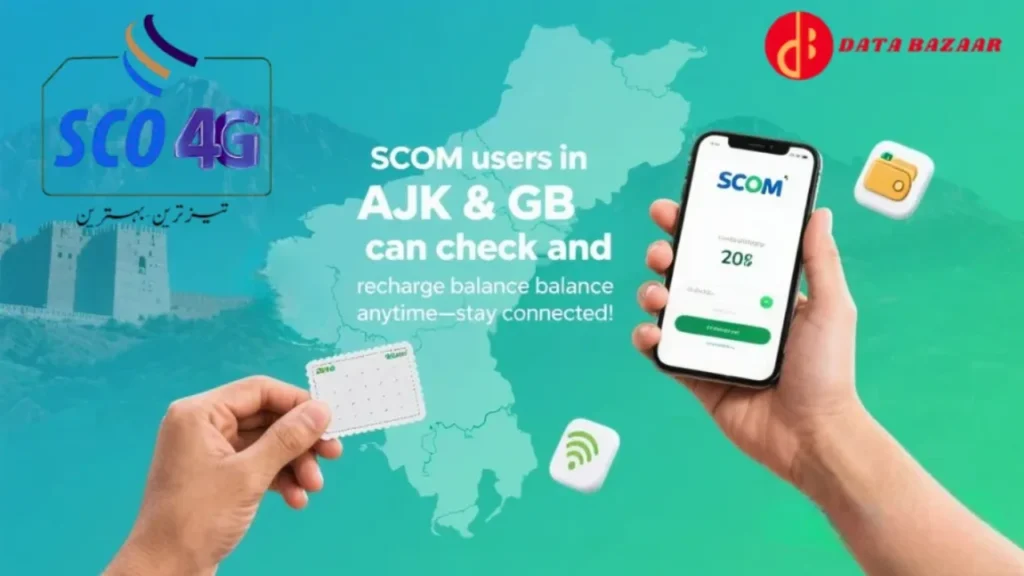
Smartphone users can also check their balance through the official SCO Mobile application. The app provides more details than the USSD code. After logging in with your SCOM number, you can view:
- Current balance.
- Remaining internet MBs.
- Active packages.
- Call history.
- Recharge history.
The app is useful for users who want a complete overview of their account instead of a simple SCOM balance check.
| Service | Code |
|---|---|
| Balance Check | *125# |
| Recharge Scratch Card | 126PIN# |
| Advance Balance | *135# |
| Package Menu | *725# |
| Check SCOM Number | *235# |
These codes help users manage their account without visiting a customer service center.
SCOM Advance Balance Service
If your balance becomes too low, SCOM offers an advance balance facility. Users can request a small loan and repay it after the next recharge. To get advance balance, dial *135#. This service is helpful when you need to make an urgent call and do not have enough credit.
How to Recharge After Checking Balance?
Once you complete the SCOM balance check, you may decide to recharge your account. Use a scratch card or digital recharge service. The recharge code is Recharge format:
*126*PIN#
Replace PIN with the number printed on your recharge card. After successful recharge, you will receive a confirmation message.
Balance Inquiry Charges
Many users ask whether balance checking is free. SCOM may apply a small service charge depending on current company policies. The charge is usually minimal, but users should verify the latest rates from official SCOM channels. Even if a small fee applies, the SCOM balance check service remains an affordable way to manage your account.
Benefits of Regular Balance Monitoring
Regular monitoring helps users stay in control of their mobile spending. It is especially useful for students, travelers, and people who rely heavily on prepaid services. Users who check their balance frequently are less likely to experience interrupted calls or failed package subscriptions. They can also identify unusual deductions more quickly.
| Feature | Availability |
|---|---|
| Voice Calls | Yes |
| SMS Services | Yes |
| 3G/4G Internet | Yes |
| Balance Check | Yes |
| Advance Balance | Yes |
| Mobile App Support | Yes |
Tips for SCOM Users
Keep your SIM registered in your name and recharge before your balance reaches zero. Save important USSD codes in your contacts for quick access. If you use internet bundles, check both your balance and remaining MBs regularly. These simple habits make the SCOM balance check process more useful and help you avoid unnecessary charges.
Conclusion
The SCOM balance check service is a simple but essential tool for every SCOM customer. By dialing *125#, users can instantly view their remaining balance and manage their mobile usage more effectively. The service works on all types of phones and does not require internet access, making it convenient for people living in both urban and remote areas. Regular balance monitoring helps prevent call interruptions, supports better budgeting, and ensures that you always have enough credit for important communication.