Zong Balance Check Code Complete Guide for Easy Balance Tracking

Staying aware of your mobile balance is important for every prepaid user. If you use Zong, you must know how to check your balance quickly and accurately. The zong balance check code helps you do that in just a few seconds. This guide explains how the code works, the alternative ways to check your balance, why it matters, and how to fix common problems. The information is simple, easy to understand, and written in an active voice so every reader can follow it easily.
Why You Need the Zong Balance Check Code?
Your mobile balance decides how long you can call, message, or use mobile data. When you know your balance, you stay in control of your usage. The zong balance check code helps you get this information on your screen instantly. Many users forget to check their balance and face sudden service interruptions, especially when comparing their usage with options like Jazz Champion Package. This article helps you avoid such trouble by explaining the right ways to check your remaining credit.
What Is the Zong Balance Check Code?
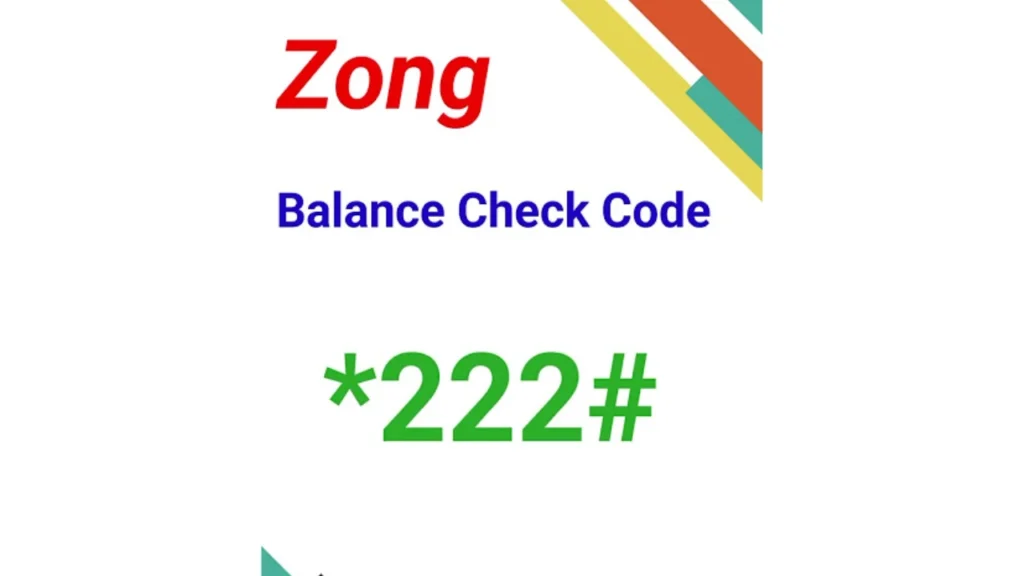
The zong balance check code is a short USSD code that lets you see your remaining credit. The official code is *222#, and it works on all Zong prepaid SIMs. You just dial the code and receive your remaining balance on the screen. The code works on all phones, including keypad phones, smartphones, and even 4G devices.
How to Use the Zong Balance Check Code?
Using the zong balance check code only takes a few seconds. You should follow these simple steps:
- Open your phone’s dial pad.
- Dial *222#.
- Wait a moment for the balance to appear on your screen.
The method is fast and does not need an internet connection. You can use it anytime, anywhere, even in weak network areas.
Zong Balance Check Methods
Sometimes users want to use other methods instead of the balance check code. Here is a table that explains different ways to check your balance:
| Method | How It Works | Best For |
|---|---|---|
| USSD Code | Dial *222# to get instant balance | All prepaid users |
| Zong App | Open the app to view balance, data and usage | Smartphone users |
| Helpline | Call 310 and follow steps | Users who need guidance |
| Online Portal | Login to account and check balance | Internet users |
These methods give you flexibility because sometimes the zong balance check code may not work due to network issues. Having multiple options helps you stay updated.
Checking Zong Balance Through the My Zong App
The My Zong App is helpful if you want more details like remaining minutes, SMS, and data. You only need your mobile number to log in. The app shows your balance on the home screen. It updates in real time and gives you information in a clear format. If you want more than just the balance check, the app is a great choice.
Checking Balance Through the Zong Helpline
If you don’t want to use the balance check code, you can dial 310. The automated system will help you check your balance and offer other services. It is useful for users who like voice instructions. The process is simple, but may take more time than the USSD code.
Checking Zong Balance Through the Online Portal
You can also check your balance through the Zong website. You need to log in with your number to see your remaining credit. This method is helpful for users who prefer checking account details on a laptop or computer. It offers detailed usage history, package information, and recharge options.
Zong Balance Check Code Details
The balance check code is easy to use, but you should know a few important facts. These details help you understand the process better and avoid confusion.
| Feature | Detail |
|---|---|
| Standard Code | *222# |
| Works On | All Zong prepaid SIMs |
| Internet Required | No |
| Response Time | Instant |
| Charges | Small fee may apply |
Knowing these details helps you plan your usage better and understand the value of the balance inquiry service.
How to Check Zong Internet MBs, SMS and Minutes?
The balance check code only shows your credit amount. If you want to check other resources, you may need separate codes. Zong offers USSD codes for checking remaining internet MBs, SMS and call minutes. You can also check them through the Zong App. This helps you monitor your usage and avoid running out of resources unexpectedly.
Why the Zong Balance Check Code Is Important for Users?
The balance check code plays an important role in your daily mobile usage. It helps you make better decisions about recharging, buying packages or saving data. When you know your balance, you can manage your usage better and avoid running out of credit at important moments, especially when choosing offers like Zong Night Internet Package. The code is free to use in most cases and gives you instant updates.
Troubleshooting Tips if the Code Does Not Work
Sometimes the zong balance check code may not work. This can happen for several reasons. You should try these quick fixes:
- Make sure your SIM is active.
- Check your network signal before dialing.
- Restart your phone and try again.
- Switch your SIM slot if you are using dual SIM.
- Try an alternate method like the app or helpline.
These small steps solve most problems related to the balance check code.
Why Zong Offers Multiple Balance Check Methods?
Every user has different needs, and Zong understands that not everyone wants to use the zong balance check code. Some users prefer apps, while others want voice support. That is why Zong created multiple ways to check your balance. These methods give more comfort and help users stay updated at all times.
Final Words
The zong balance check code is the fastest way to check your balance on a Zong prepaid SIM. It works instantly and does not need an internet connection. You can also use the Zong App, helpline, or portal for additional features. When you keep track of your balance, you avoid service problems and enjoy smooth mobile usage. Remember to use *222# whenever you need your balance and keep your mobile experience easy and stress-free.